Upload proprietary documents directly into your assistant's knowledge base with automated text extraction, chunking, and embedding.
Limits enforced by the backend ingestion pipeline.
| Constraint | Limit | Details |
|---|---|---|
| Supported formats | .pdf, .docx, .md, .txt | Validated via magic bytes and MIME types |
| Max files per upload batch | 5 files | Enforced on POST /api/knowledge/.../upload |
| Max file size | 10 MB | Applies per file and per total upload batch |
| PDF page ceiling | 100 pages | Larger PDFs must be split prior to upload |
| Encrypted / Password PDFs | Rejected | DocumentPasswordProtectedError returned |
| Extracted characters range | 50 to 500,000 chars | Scanned image-only PDFs require OCR first |
| Chunk token target | 500–800 tokens | 100-token overlap between adjacent chunks |
How files are transformed into searchable vector representations.
Upload Processing Flow
File & Magic Bytes
Checks file extension and binary magic bytes (%PDF-, PK\x03\x04).
Parser Extraction
pypdf for PDF, python-docx for DOCX, native utf-8 decoder for TXT/MD.
Semantic Slicing
500–800 tokens per chunk with 100-token overlap along sentence boundaries.
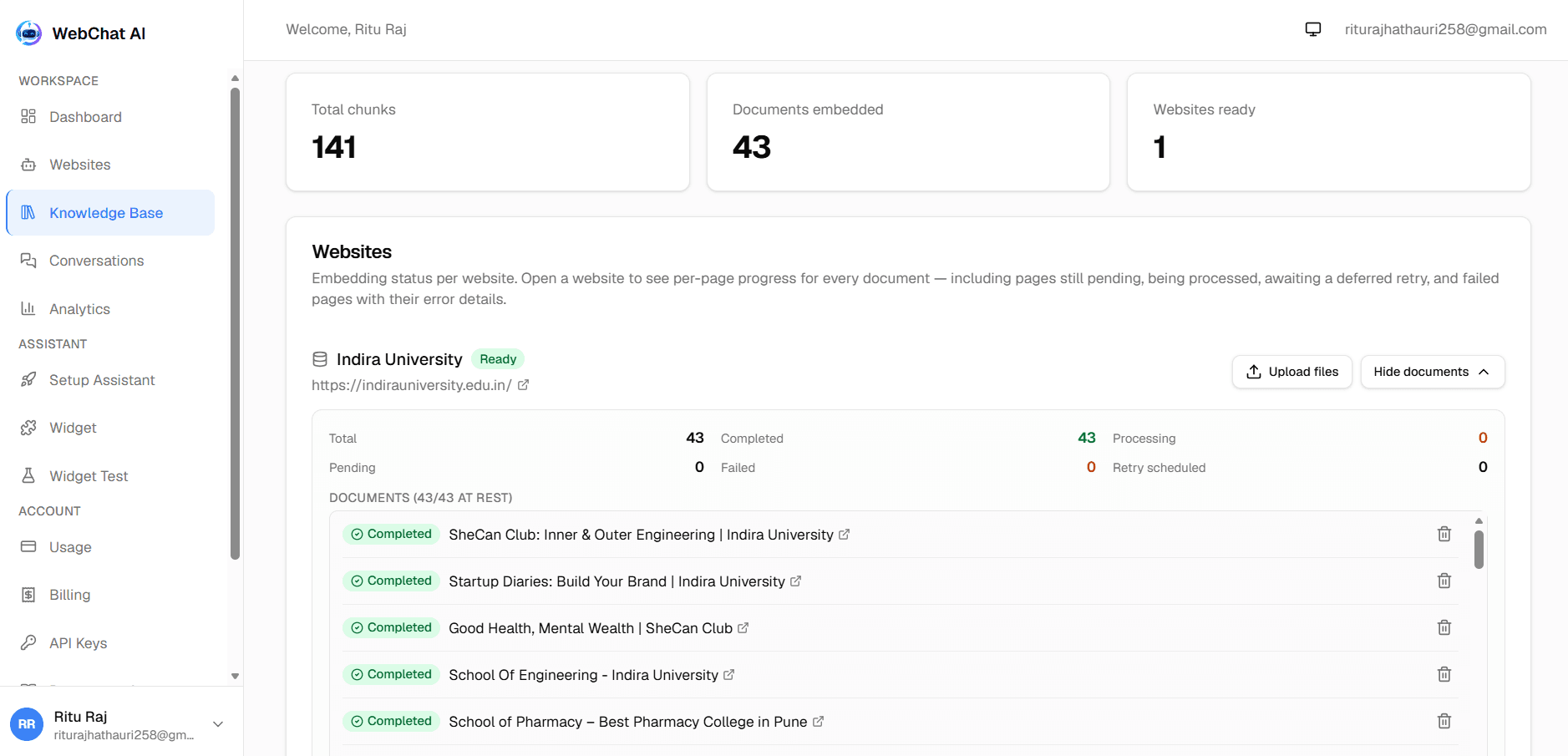
Understand the status indicators shown on the Knowledge Base table.
How to manage knowledge over time.
Retrying a failed document
If an external embedding provider was temporarily unavailable or hit rate limits, click the Retry button next to the document in the dashboard, or call:
POST /api/knowledge/documents/{documentId}/retry
Deleting a document
Deleting a document permanently removes the document record, all associated vector chunk embeddings from the vector store, and any attached file storage. The assistant immediately stops referencing that material in future chats.
Related documentation
Ready to build?
Register a website and get a live assistant in minutes.
 WebChat AI